Preserve the inRiver product workflow
Utomo reads the linked product name, image, and selected attributes from inRiver so teams do not need to duplicate or migrate their core catalog before starting passport preparation.

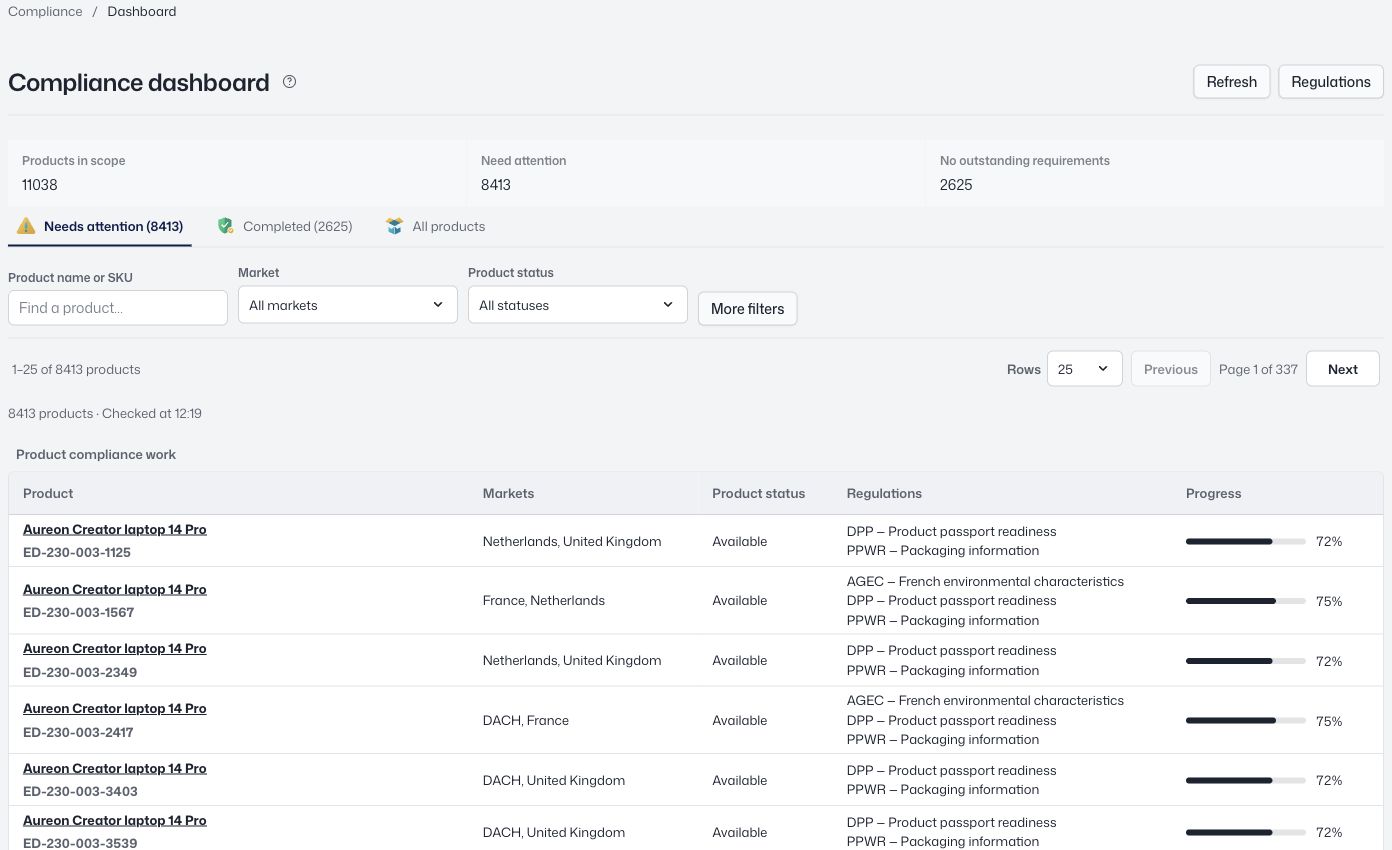
Connect inRiver product records to Utomo Compliance and add the materials, evidence, access rules, and publication workflow required for Digital Product Passports.
 View screen
Utomo reads the linked product name, image, and selected attributes from inRiver so teams do not need to duplicate or migrate their core catalog before starting passport preparation.
The connection follows the source record’s stable identifier. If a name or other linked value changes in inRiver, the passport can receive the new information without losing its binding.
Utomo manages the passport-specific fields, documents, audience views, GS1 Digital Link, and versioned publication while inRiver continues to govern the connected commercial product content.
Yes. Utomo Compliance is designed to run as a standalone passport layer on top of inRiver, so the source PIM can stay in place.
The connector is described as pulling the linked product name, image, and selected attributes. The exact field scope should be confirmed during connector setup for your product model.
No. This connector supports the Digital Product Passport workflow. GS1 Data Source or GDSN synchronization would be a separate integration.
Connect product records, components, materials, and supplier evidence. Review submissions, prepare product passports, and preserve what you published as a versioned record.
GuidesKeep your existing product system. Use Utomo as a passport layer alongside Akeneo, inRiver, Pimcore, or the product data you already maintain.
ProductUtomo uses GS1 Digital Link to give each published Digital Product Passport a durable web identifier that can be opened from a QR code or NFC tag.
Explore the workspace with your own catalog.