
 ArticlesCMS
Write the story once. Give it room to travel.
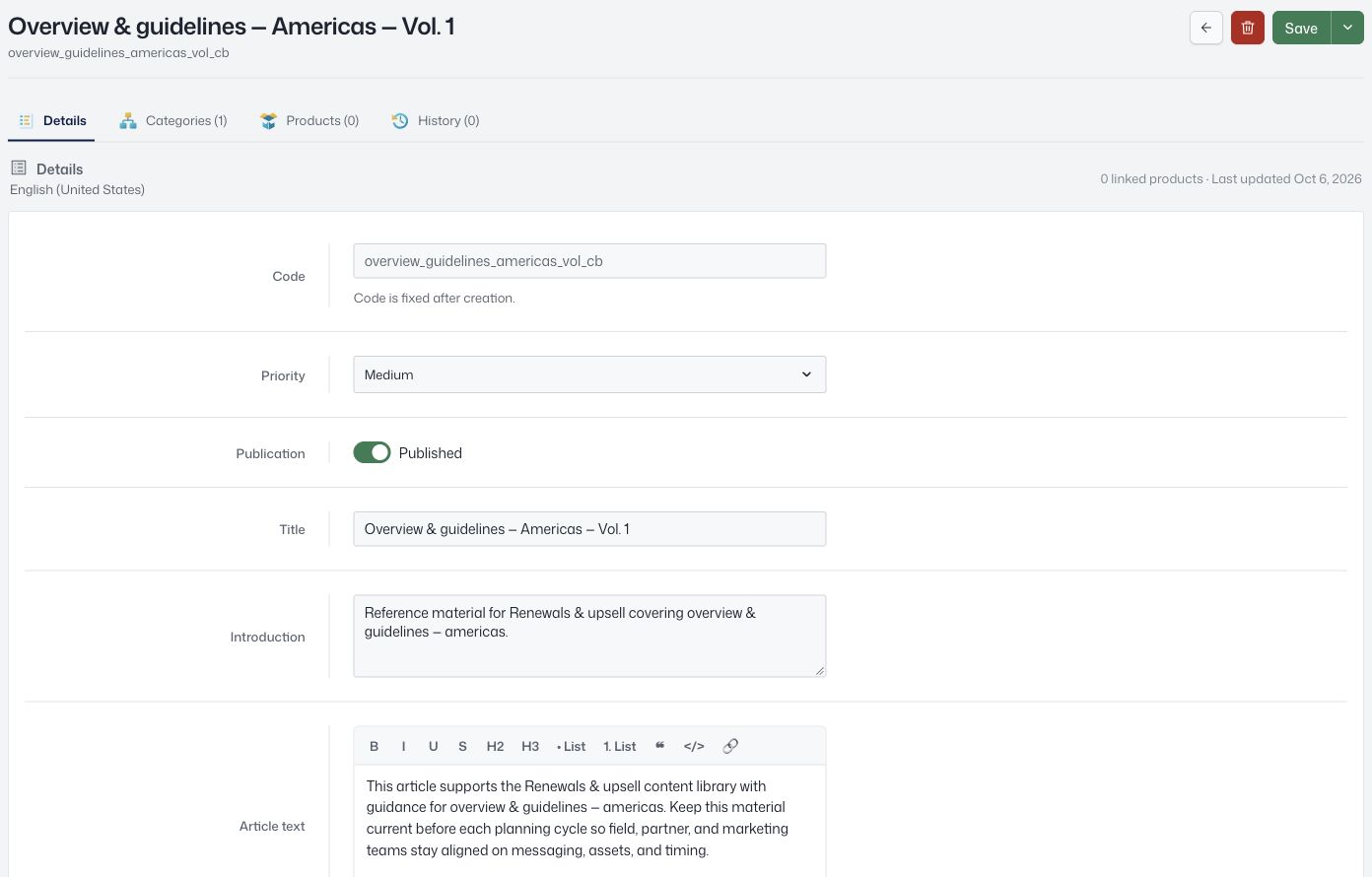
Create reusable editorial content with a title, introduction, body, link, and image for each locale. Connect it to products and keep track of what is ready to publish.

 View screen
Articles
Create, enrich and translate product content for every market.
Loading current plans and app prices…
Auto translate
Know which language still needs a little work.
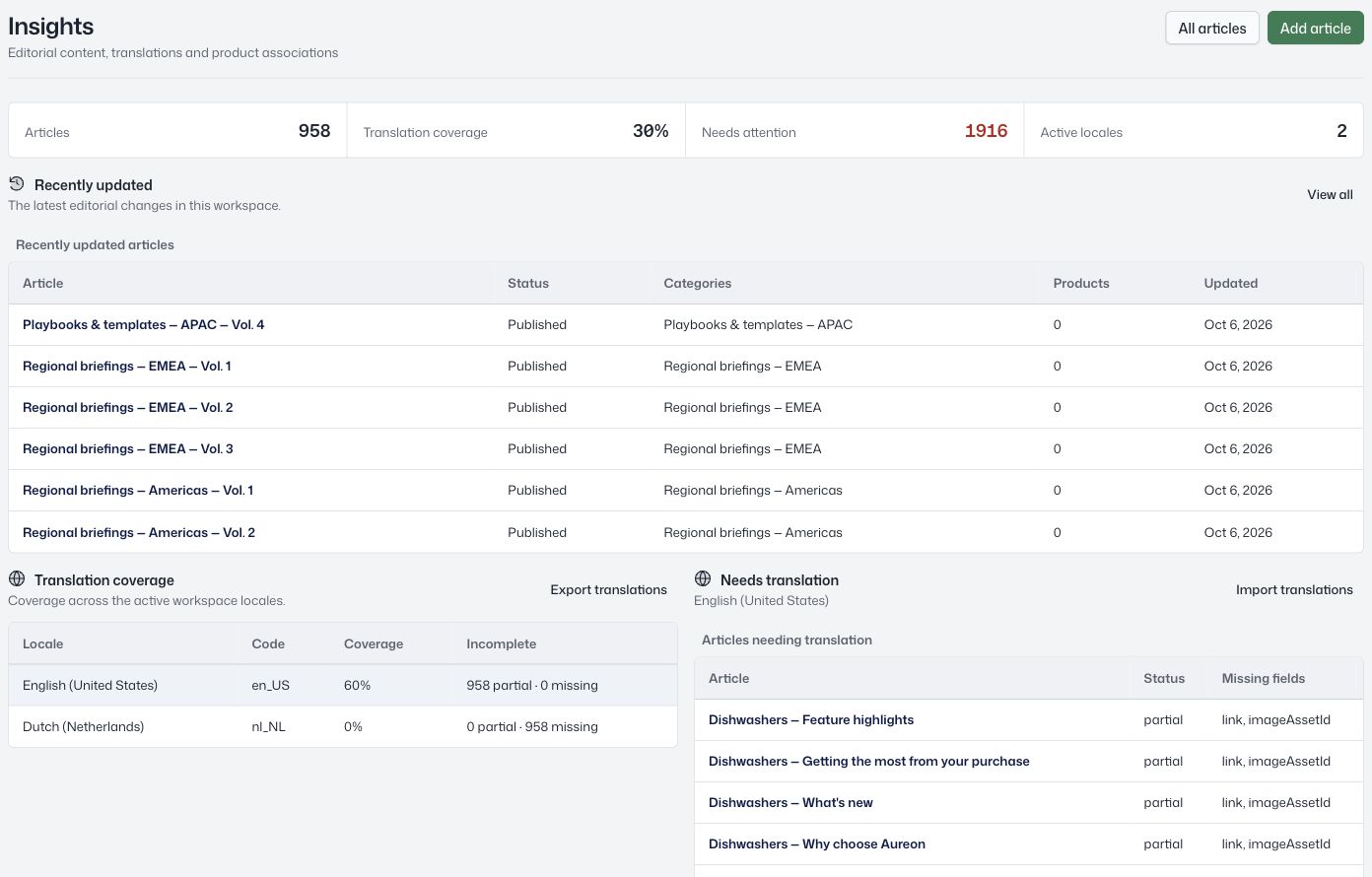
See translation coverage across active locales, then open the articles with missing fields. The overview distinguishes complete, partial, and missing translations.
Titles, introductions, text, links, and images all contribute to that coverage.
 View screen
Enrichment
Give the product more than specifications.
Enrich product stories with a title, introduction, rich text, links, images, and a gallery. Associate an article with several products so the same editorial source can travel with the range.
Manage publication state, categories, priority, and earlier versions from the article workspace.
Create the story
Add the text, link, image, and gallery.
Localise the content
Fill the fields for your active locales.
Connect and publish
Choose categories, products, and publication state.
Refine over time
Review coverage and restore an earlier version.
A closer look at Articles.
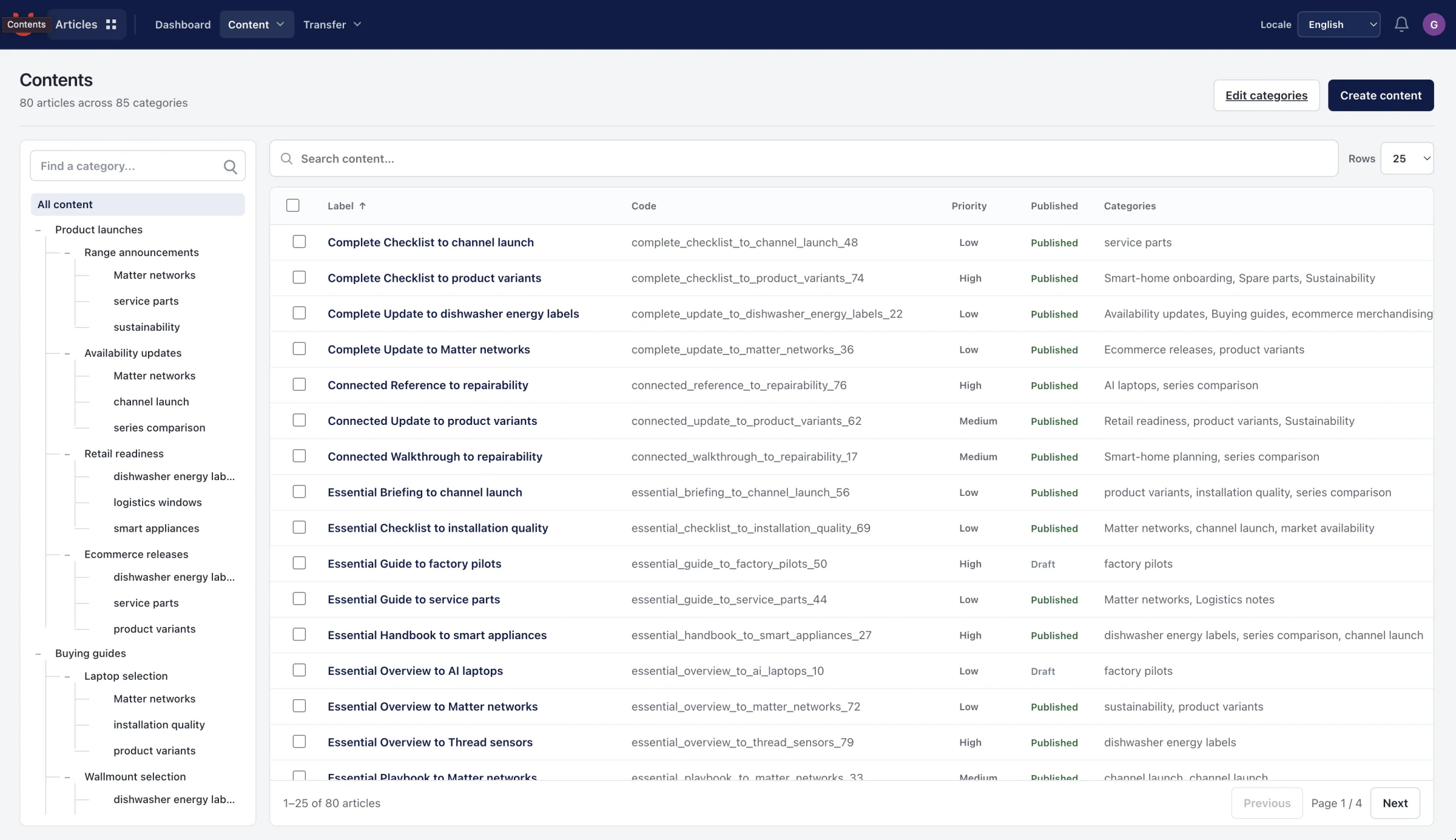
Explore the product screens and the work behind them. Select a view, then open it to inspect the details.
Let the right people contribute
Use module-level permissions for content contributors. Localized copy stays attached to the same product structure, assets and approved output.
Keep the work connected.


A few more useful details.
Move content in and out of spreadsheets
Queue article imports and exports, including locale-specific transfer workflows.
Control editorial priority
Use high, medium, or low priority to help connected readers order content.
Copy a useful starting point
Duplicate an article when a new story needs its own identity and history.
Give your product stories a shared home.
Explore the workspace with your own catalog.