
 ProductsPIM
Every variation. One shared foundation.
Build a product catalog around the way your range works. Share values across a product family, override what makes a variant different, and review changes before applying them in bulk.

 View screen
Products
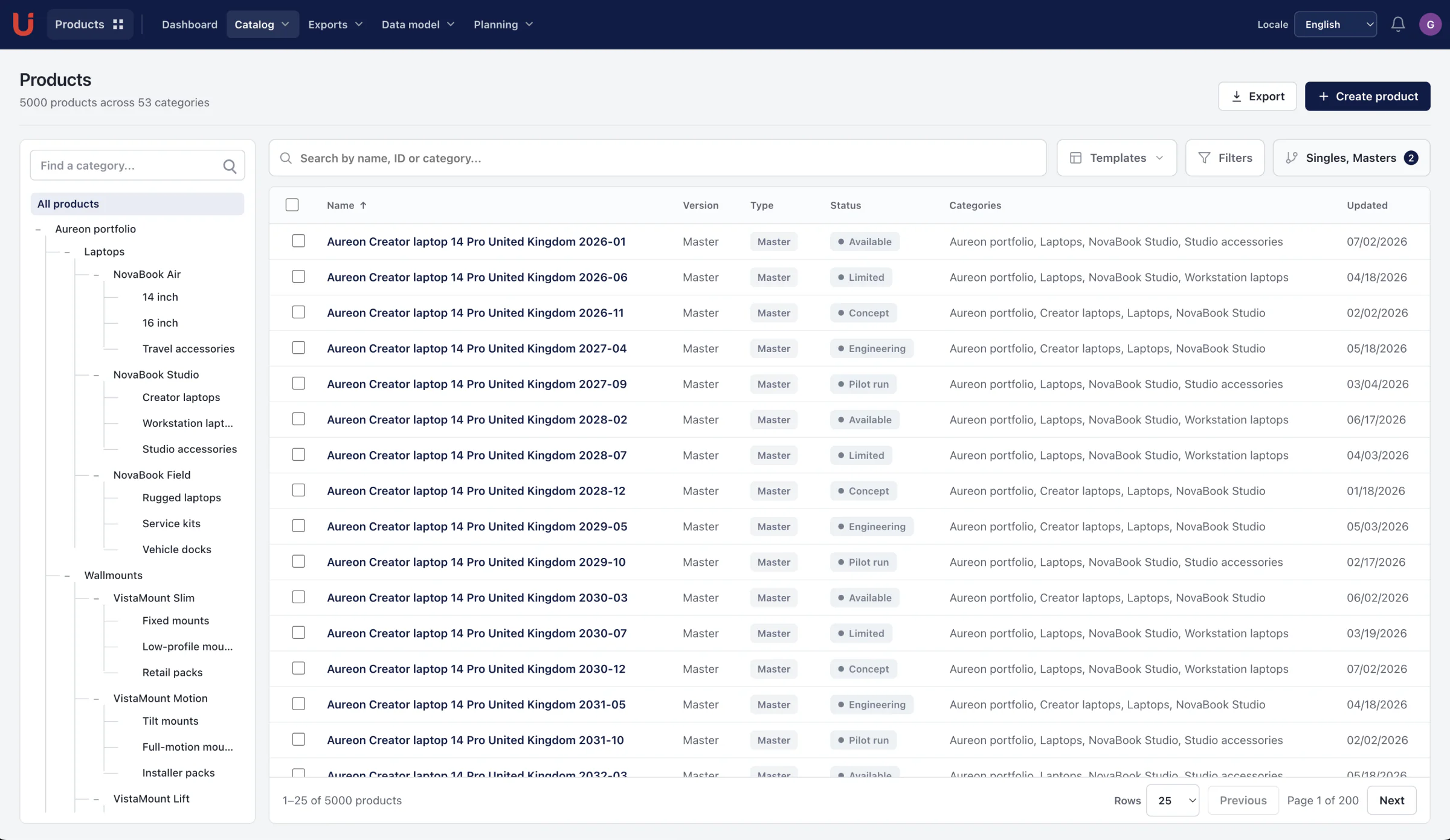
Manage product information, variants and specifications in one place.
Loading current plans and app prices…
Families & variants
Change the detail. Keep the connection.
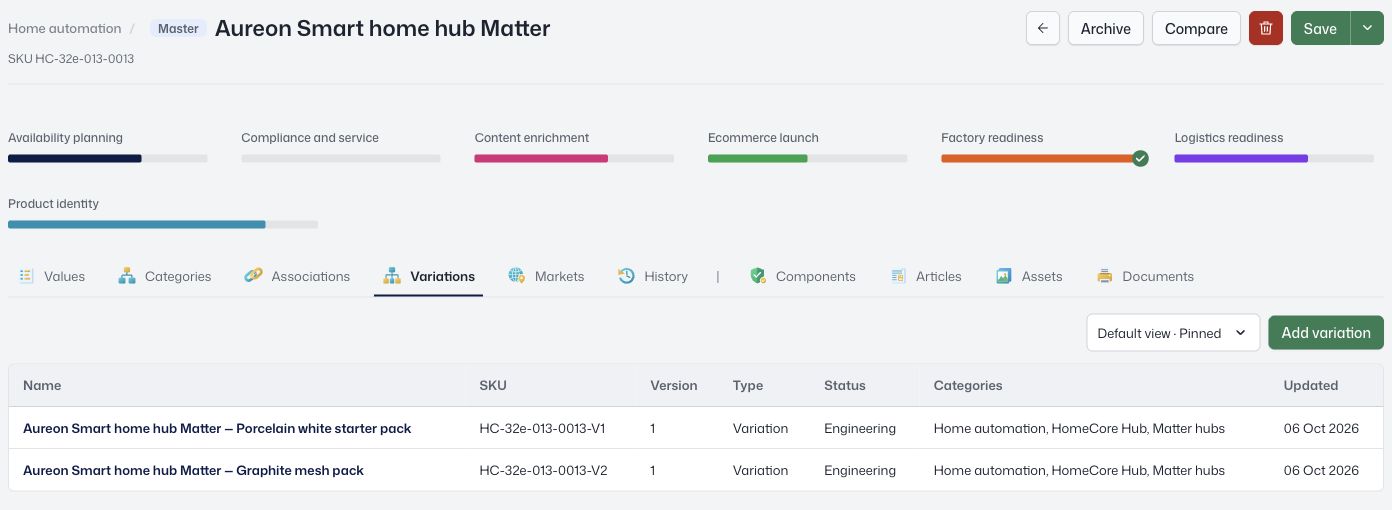
A variation can inherit values, categories, markets, and linked collections from its parent. Give a remote its own connection type while keeping the shared specifications in one place.
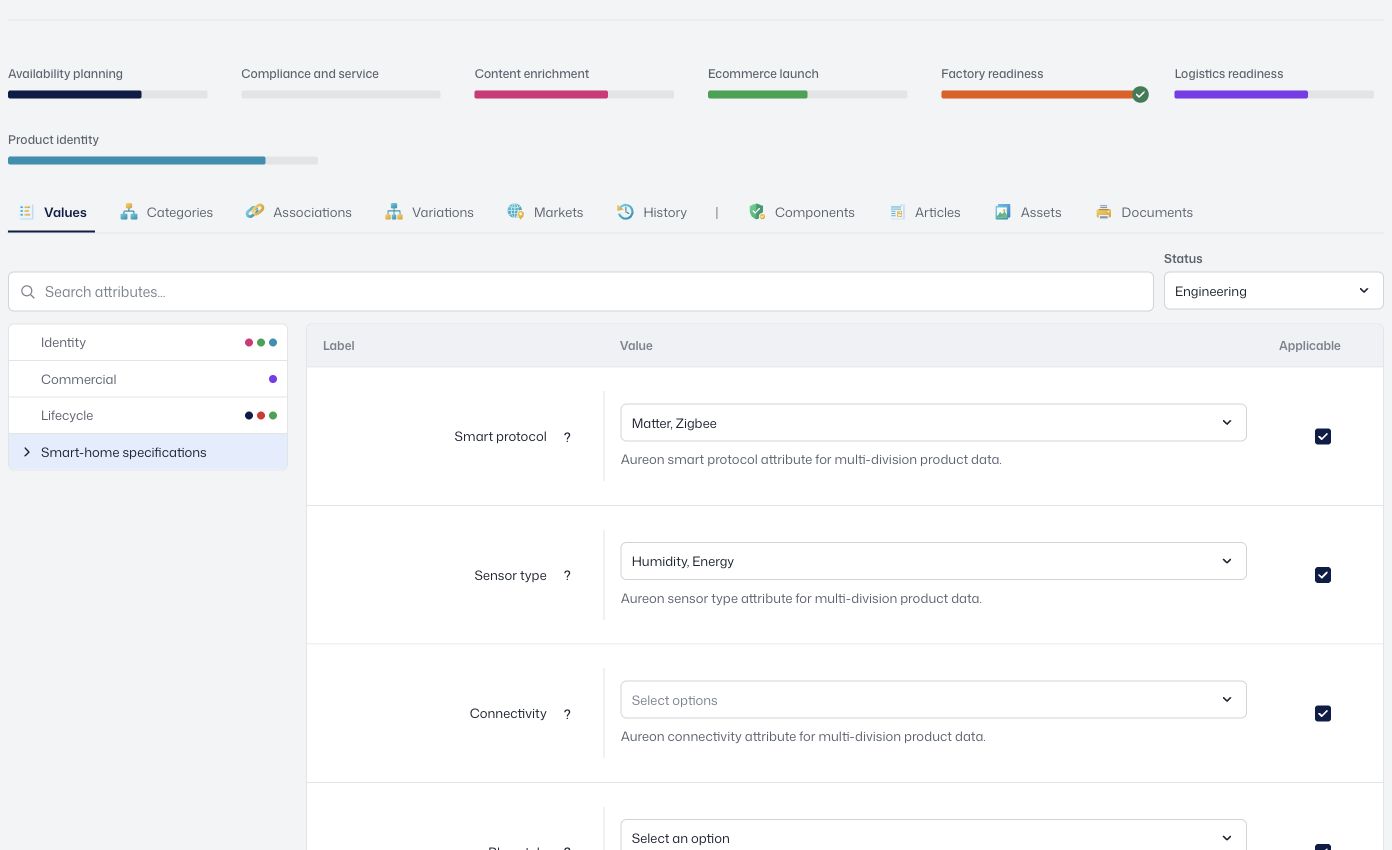
Typed attributes, attribute sets, and product associations give that structure a purpose.
 View screen
Milestones & timelines
Give every launch a clear timeline.
Plan product work around milestones and timelines. See which attributes are still needed and keep the work connected to the products your team is preparing.
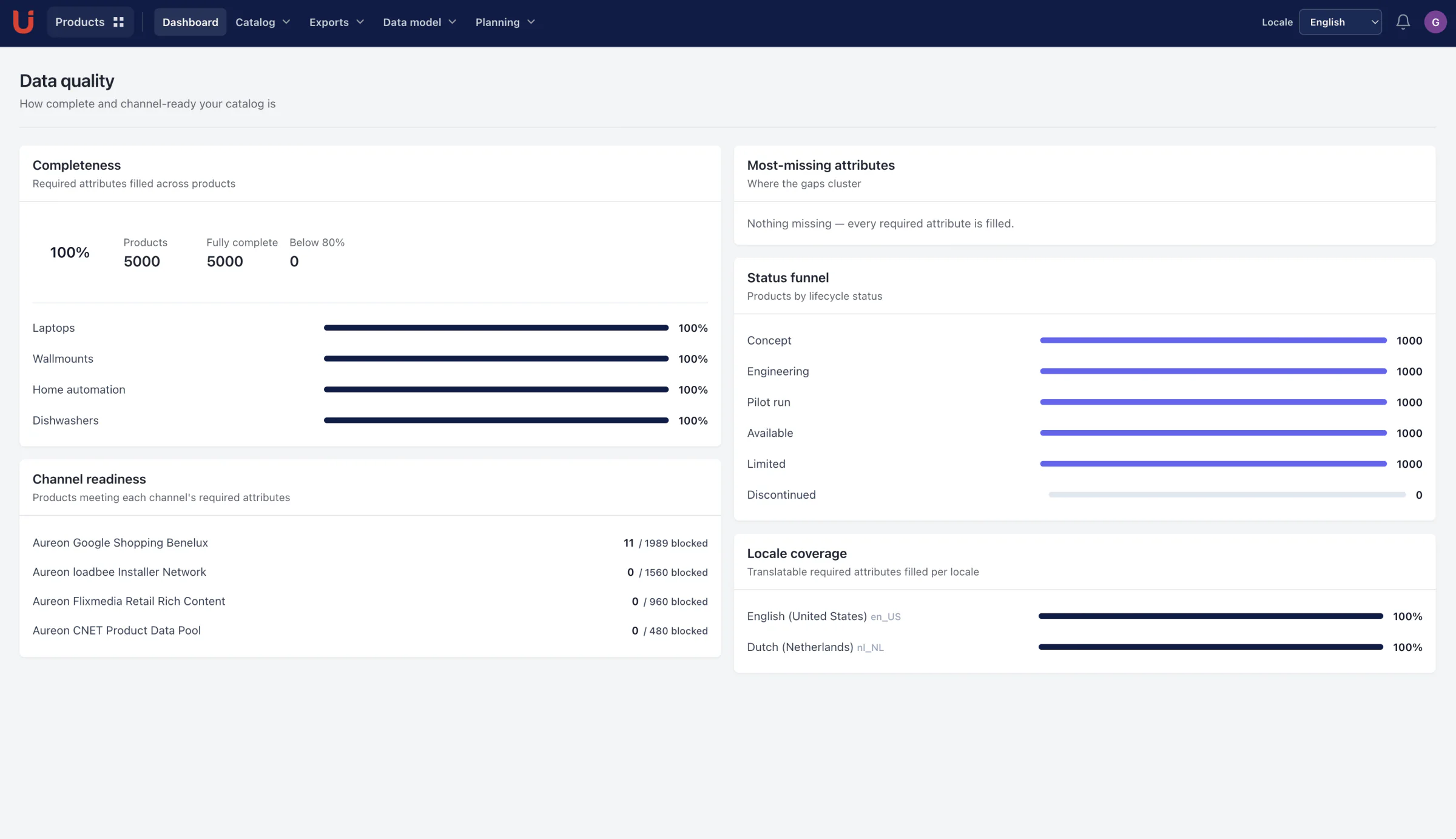
Use completeness and product history to review progress as the launch approaches.
Define the range
Choose attributes and an attribute set.
Create variations
Inherit shared values; override the differences.
Review the work
Check completeness, history, and proposed edits.
Put it to use
Connect media, content, documents, and channels.
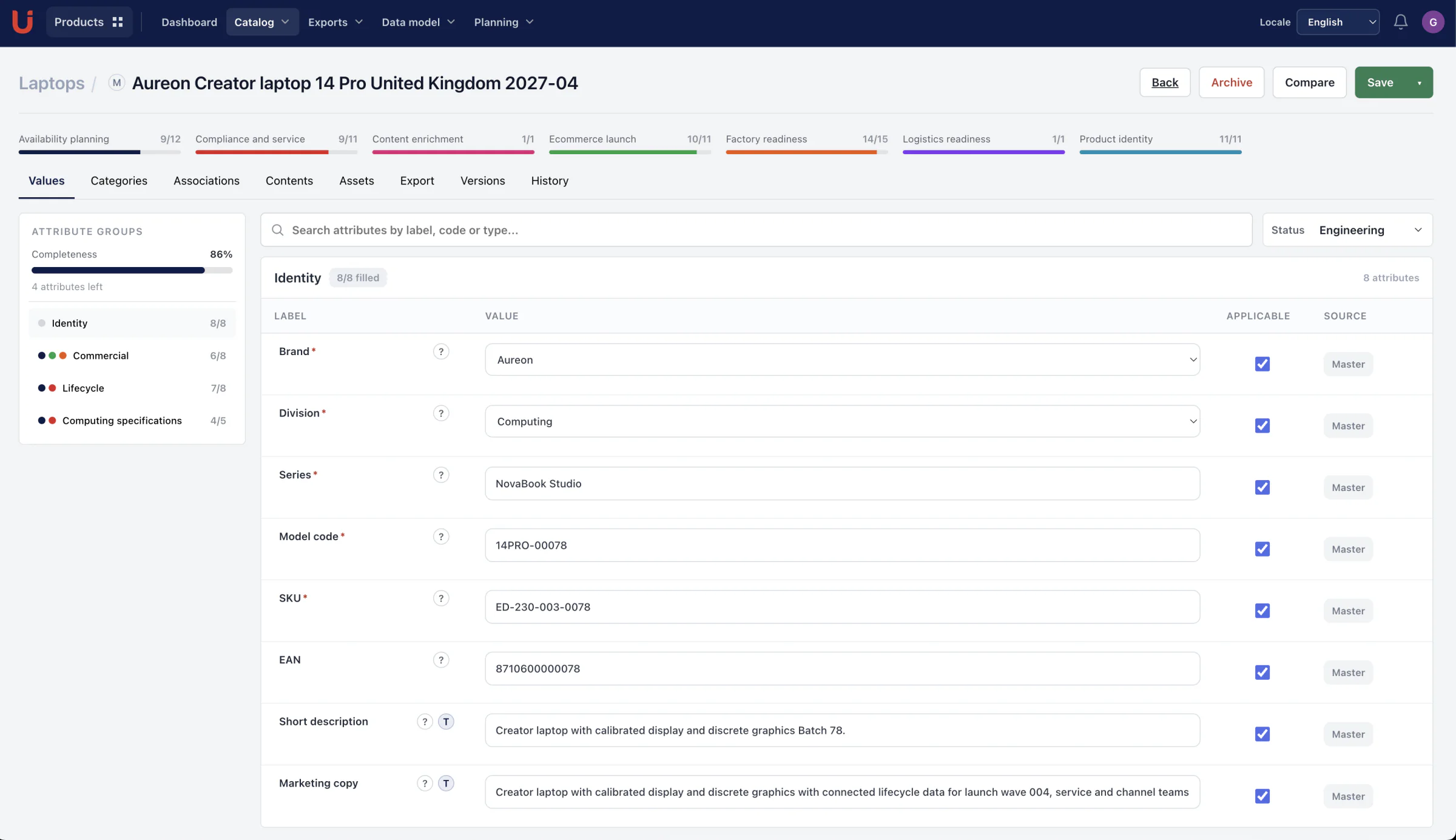
A closer look at Products.
Explore the product screens and the work behind them. Select a view, then open it to inspect the details.
The same rules, at any scale
Single edits and reviewed bulk changes follow the product model’s validation rules. Preview affected records before applying a change.
Keep ownership clear
Give product, marketing and local-market teams controlled access to shared attributes, media and translations. Review readiness and history before release.
Keep the work connected.


A few more useful details.
Plan work around product milestones
Create milestones and timelines, and see progress against the attributes needed for the work.
Keep markets and history in view
Record market coverage and dates, inspect product history, and preview earlier values.
Import and export with a defined structure
Transfer product information and use saved export views and scheduled export jobs.
“We easily merged our multiple brands’ data into one powerhouse brand using Utomo.”
Bring your product range into focus.
Explore the workspace with your own catalog.