
 PartnerPortal
Give each partner a useful view of your products.
Create branded portals for retailers and distributors. Scope the products, attributes, files, and content they can use, then let them build the download packages they need.
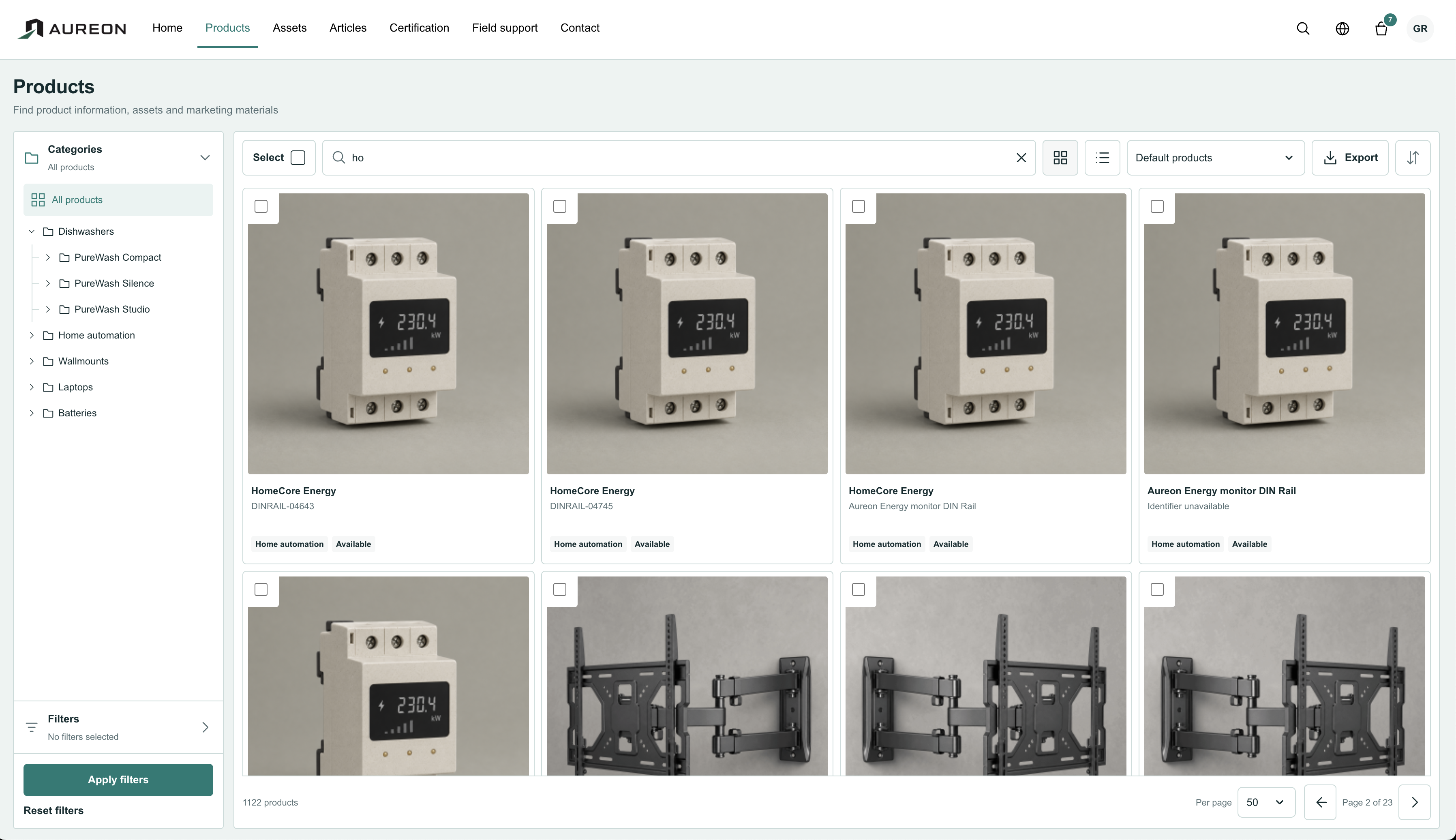 View screen
Partner
Give partners access to approved product content and files.
Loading current plans and app prices…
Branding
A portal that feels like your brand.
Configure the branding, content pages, and product presentation of each partner front. Give retailers and distributors a useful place to work with your range.
Reuse product information, assets, articles, and enabled documents from the same workspace.
Accessibility
The right information for each partner.
Assign organisations to portal fronts and choose the products, attributes, files, and content they can access. Invite contacts, manage their grants, and revoke access when responsibilities change.
Authorised partners can browse products, export information, and collect media into download packages.
Create the front
Set branding, pages, and product presentation.
Invite the organisation
Grant contacts the appropriate access.
Define the view
Choose the permitted products, attributes, and media.
Let partners work
Browse, export, collect files, and send inquiries.
A closer look at Partner.
Explore the product screens and the work behind them. Select a view, then open it to inspect the details.
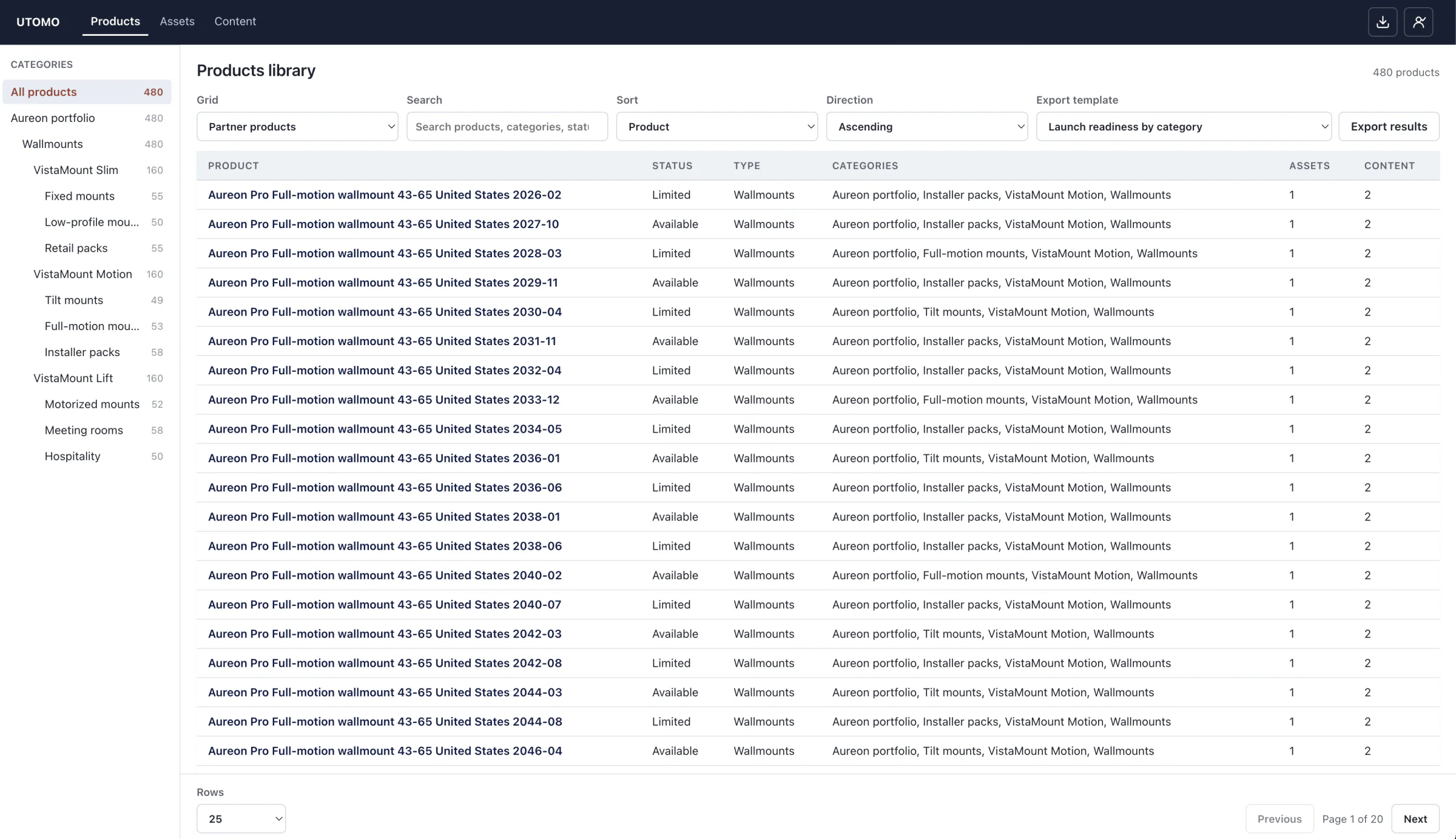
Govern external access
Keep partner organisations, users, shared files and feeds connected to the approved source. Narrow access to what each organisation needs and review access activity.
Keep the work connected.


A few more useful details.
Keep conversations with the portal
Receive partner inquiries and reply within the contact workflow.
Shape pages for the audience
Configure content pages and product presentation for each front.
Revoke access when it changes
Manage organisation contacts, resend invitations, and revoke a contact’s grant.
Make your product information easier to work with.
Explore the workspace with your own catalog.