 Google
 Microsoft

Claude
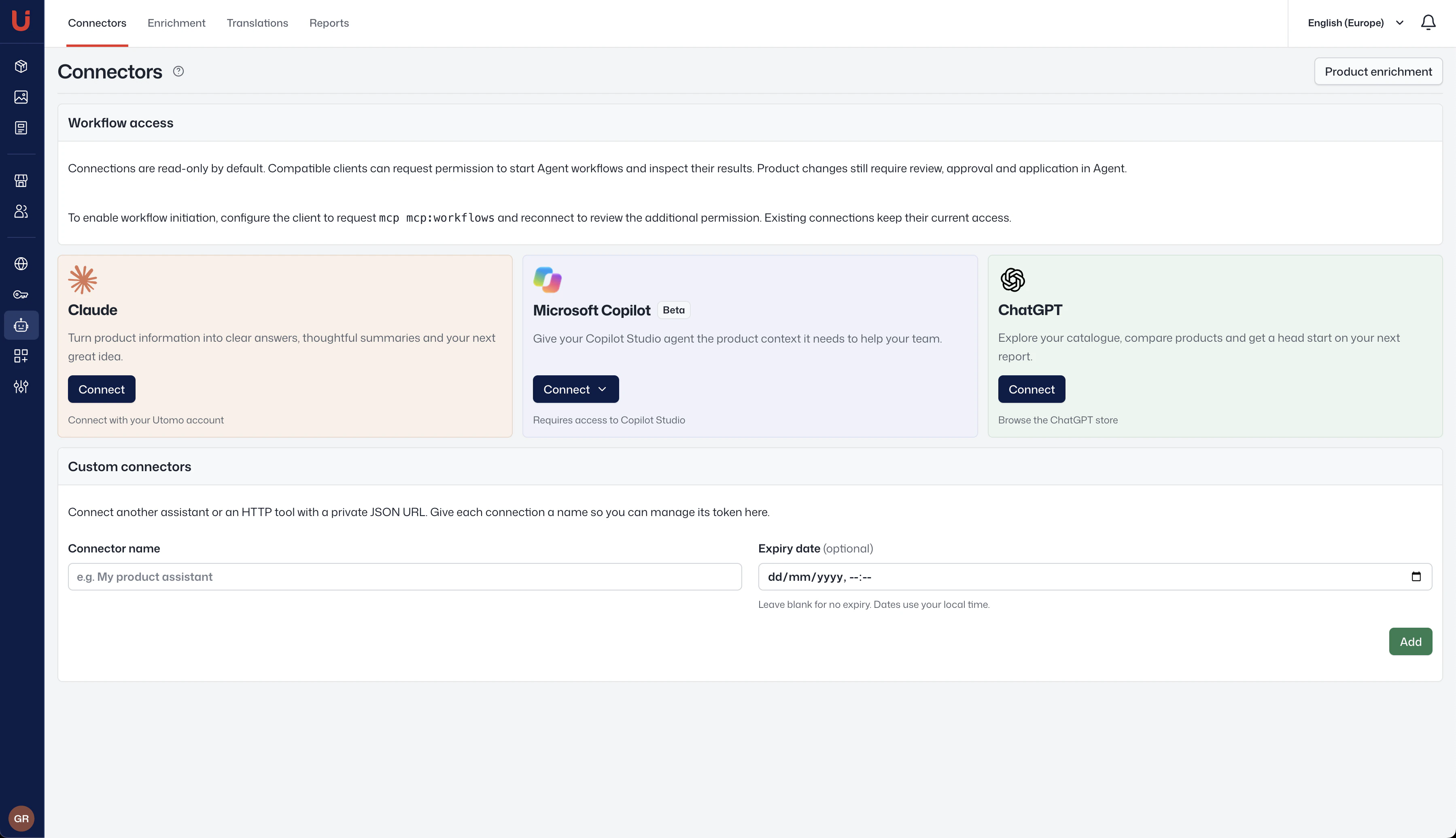
Use Claude to answer product questions and summarise catalogue records. Add Utomo as a custom connector and sign in to your workspace.
Ask product questions, compare specifications and find gaps in your catalogue. Connect your AI assistant to the product information your team already maintains in Utomo.
Use Claude to answer product questions and summarise catalogue records. Add Utomo as a custom connector and sign in to your workspace.
Use Utomo product data in an agent you build in Microsoft Copilot Studio. The integration is in beta and requires access to Copilot Studio.
Look up products, compare specifications and prepare catalogue summaries in ChatGPT. Use a custom MCP connection where your ChatGPT plan and workspace policy allow it.
Add Utomo as a remote server in AI tools that support Streamable HTTP and OAuth discovery for the Model Context Protocol (MCP). Sign in and choose the Utomo workspace you want to connect.
Connections are read-only by default. Compatible clients can request permission to start workflows. Product changes still require approval in Utomo.