Generate page designs
Automatically generate page designs for webshops and partner portals by describing what you want to create.

Work with an assistant connected to the product workspace. Find information, prepare translations, and review supported change plans before they are executed.
 View screen
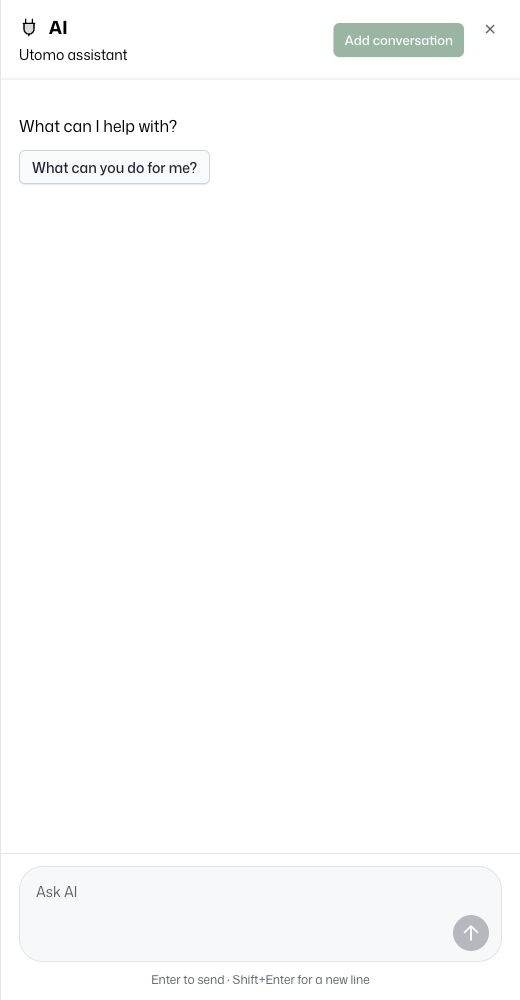
Our integrated AI assistant understands your UTOMO environment. Create summaries, generate reports, produce imagery, and more—simply by describing what you need.
Automatically generate page designs for webshops and partner portals by describing what you want to create.
Improve searchability with intelligent asset tagging, making it easier to find the images and files you need.
Translate content into multiple languages to support your international audiences.
Ask about products and the connected tools your account can access. Available actions follow workspace permissions and enabled capabilities.
Product translation assistance uses an existing source locale and the selected target locales.
Supported bulk changes produce a plan with the affected products and proposed values. Review the plan, then approve that specific change for execution.
Your permissions and the operation determine which actions need an approved plan.
Start with a product or workspace task.
See the relevant information and proposed action.
Check affected records and changes where required.
Execute a supported plan and inspect its result.
The MCP endpoint exposes available tools through an authenticated connection. Client and permission setup are required.
Choose source and target locales, then review the generated text in the product workflow.
Tool availability, configured AI services, permissions, and app entitlements determine what the assistant can do.
Keep actions within workspace permissions.
Explore the workspace with your own catalog in a 30-day trial.
 AI assistant

